Skip to product information
1 of 4

SKU:WSAL30314

Metal Case Designed For Raspberry Pi Official Compute Module 5 IO Board, Comes With Cooling Fan

Regular price 5.414 Ft
Sale price 5.414 Ft Regular price 0 Ft
Sale Sold out
Tax included. Shipping calculated at checkout.
Metal Case Designed For Raspberry Pi official Compute Module 5 IO Board, Comes With Cooling Fan
CM5 IO Board Metal Case

Designed for Raspberry Pi official Compute Module 5 IO BoardMini computer chassis, robust and dust-proof, nice looking
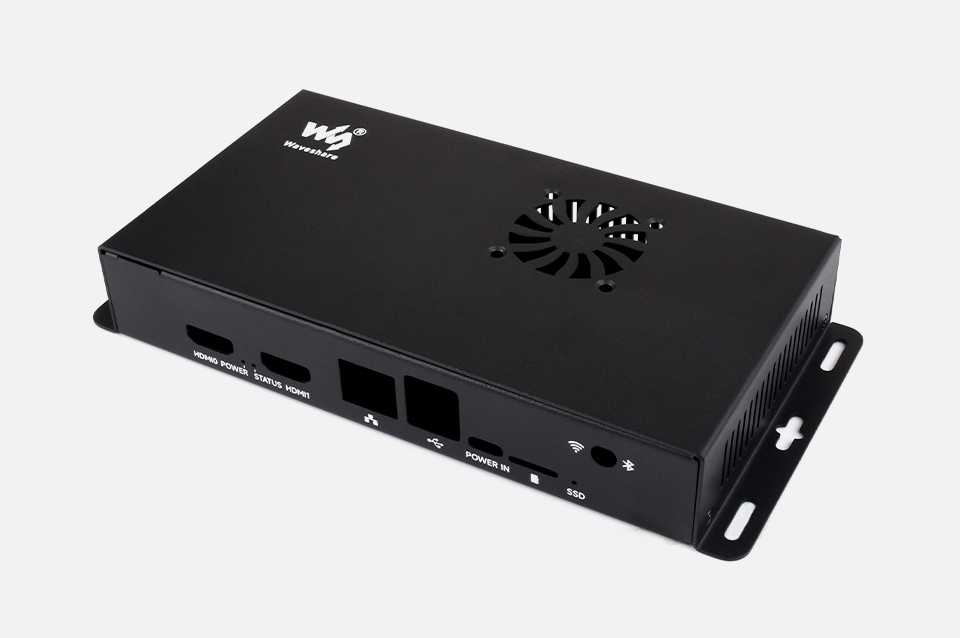
Metal Case for Compute Module 5 IO Board, front view
tailored for Compute Module 5 IO Board

make it easy to build your own Raspberry Pi CM5 mini PC

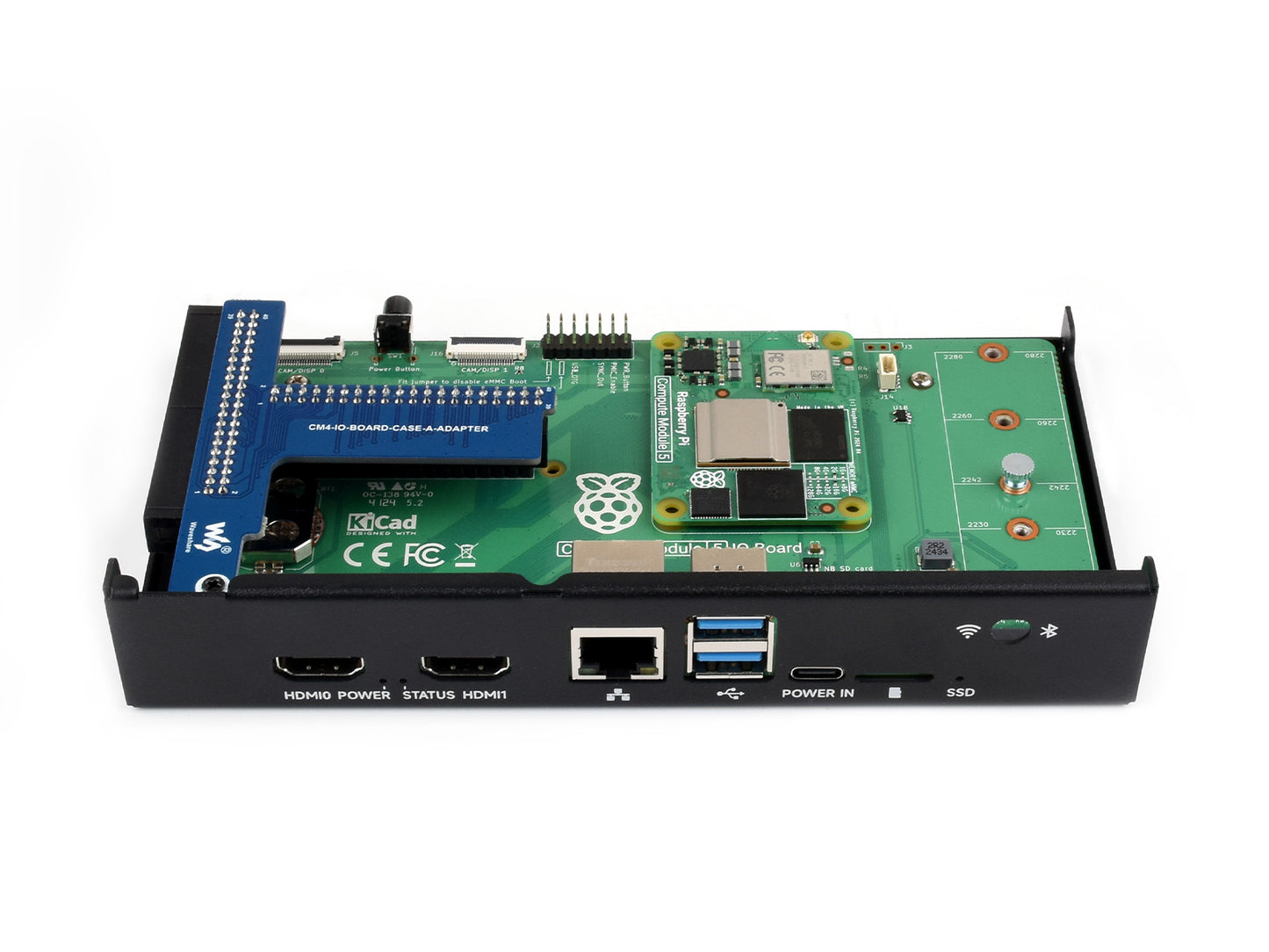
Metal Case for Compute Module 5 IO Board, inside view

* for reference only, please refer to the Package Content for detailed part list

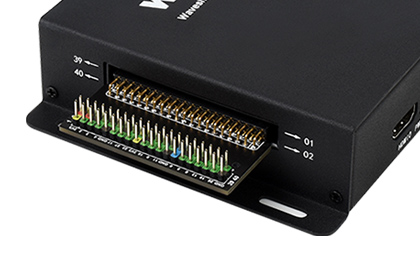
Comes with 40PIN GPIO adapter

the standard 40PIN GPIO header is still available, making it easy to connect sorts of HATs
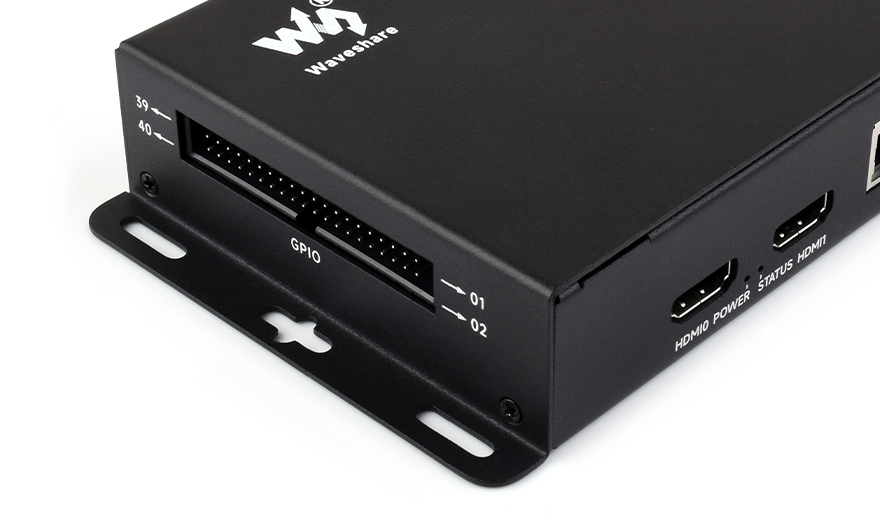
Metal Case for Compute Module 5 IO Board, side view
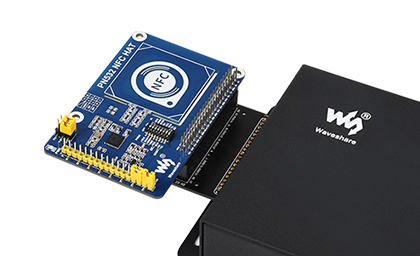
Metal Case for Compute Module 5 IO Board, connect to external GPIO adapter
Metal Case for Compute Module 5 IO Board, connect to NFC HAT
for reference only, the external GPIO adapterandNFC HAT are NOT included.
Precise cut-out with clear label

each cut-out is completely aligned with the connector
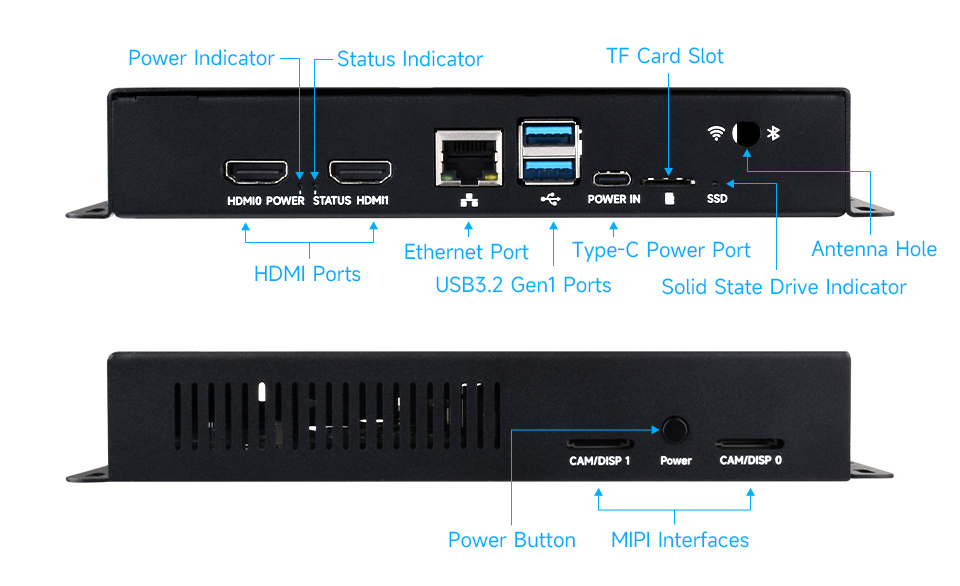
Metal Case for Compute Module 5 IO Board, with clear label
Cooling fan included

comes with cooling fan, combined with the airflow vent, better heat dissipation
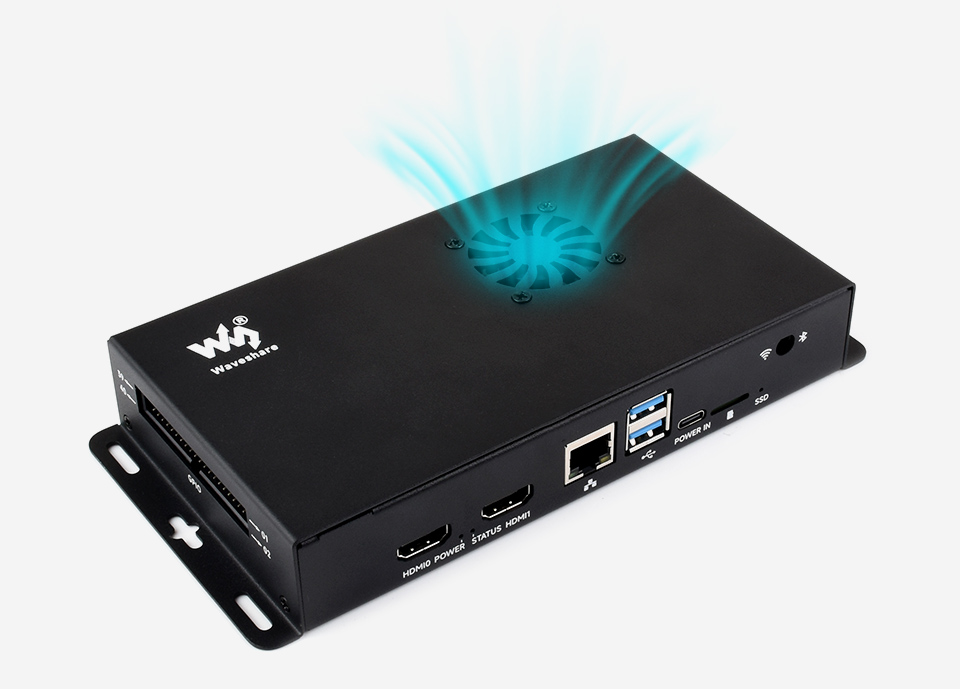
Metal Case for Compute Module 5 IO Board, comes with cooling fan
Wall mount support

wall mount holes on two sides, handy for mounting
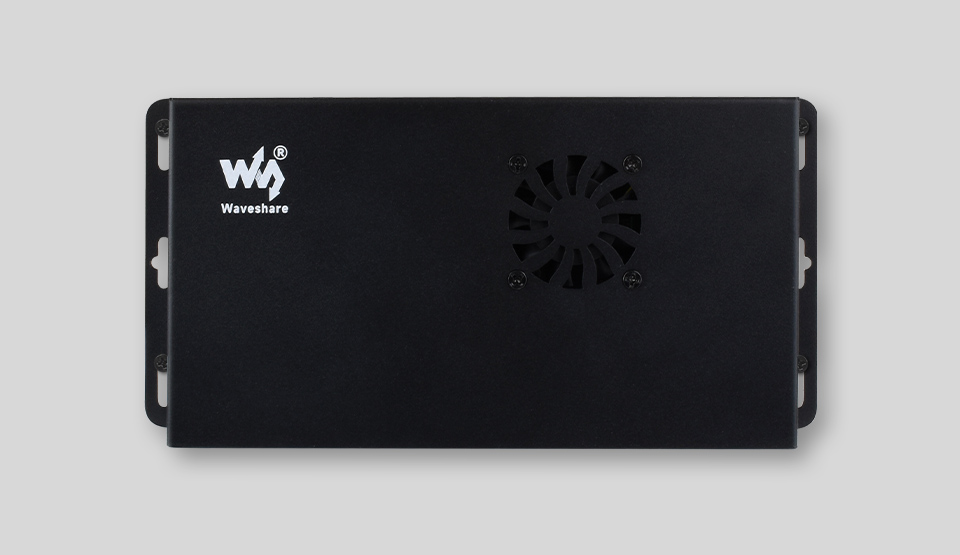
Metal Case for Compute Module 5 IO Board, wall mount support
Application examples

Binocular Vision, PoE Powered Raspberry Pi Projects, Or Other Industrial Context
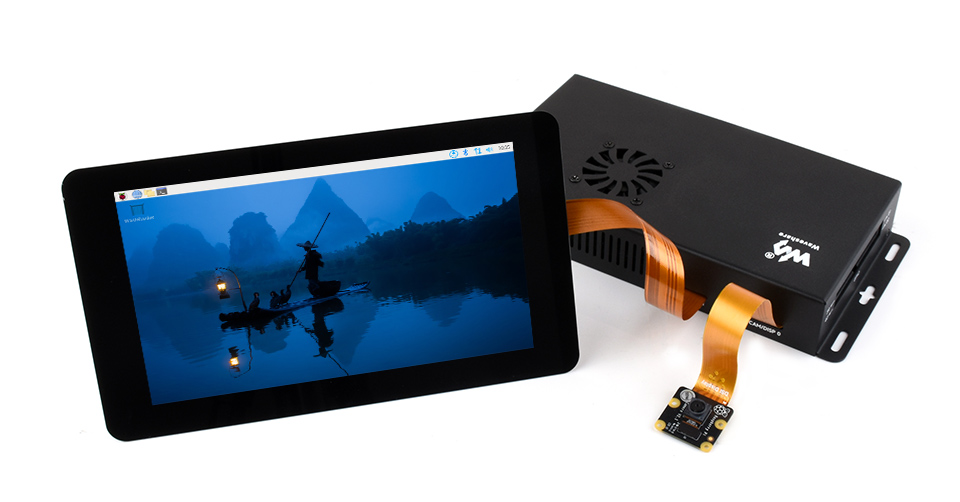
Metal Case for Compute Module 5 IO Board, application examples
for reference only, display and cameras are NOT included.
How to Install

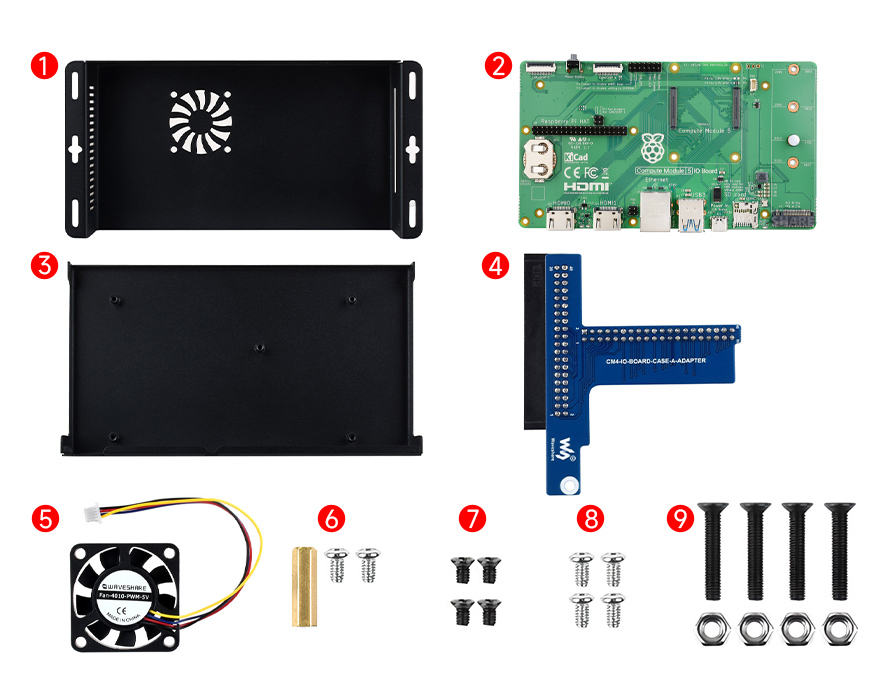
Prepare the accessories as shown above
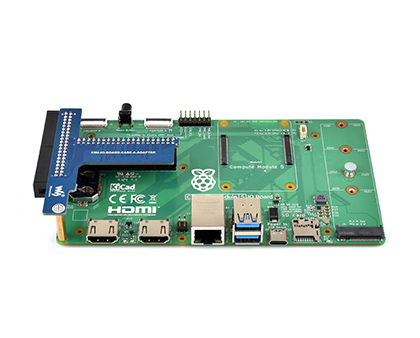
Metal Case for Compute Module 5 IO Board, how to install step 1

1. Connect the ④ GPIO adapter board to the ② Compute Module 5 IO Board first, and fix them with ⑥ standoff and screws.
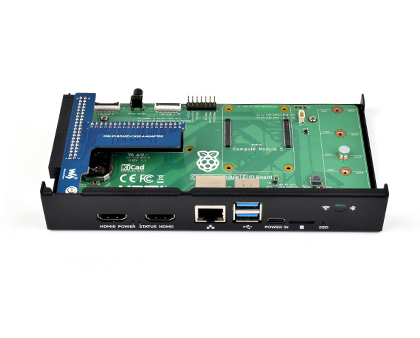
Metal Case for Compute Module 5 IO Board, how to install step 2

2. Fix the ② Compute Module 5 IO Board and the ③ bottom cover via ⑧ screws.
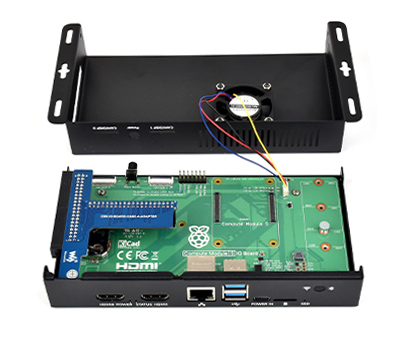
Metal Case for Compute Module 5 IO Board, how to install step 3

3. Use the ⑨ screws and nuts to install the ⑤ cooling fan to the top cover of the case, then connect the 4PIN fan header to the fan connector of the CM5 IO Board as above.
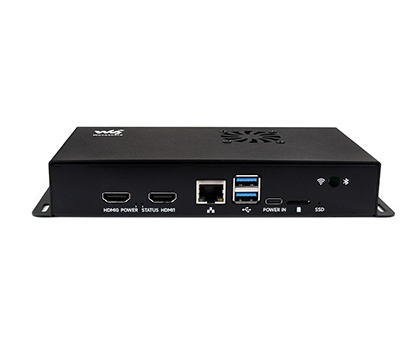
Metal Case for Compute Module 5 IO Board, how to install step 4

4. Fix the top cover and bottom cover via ⑦ screws.

* for reference only, the ② Compute Module 5 IO Board is NOT included
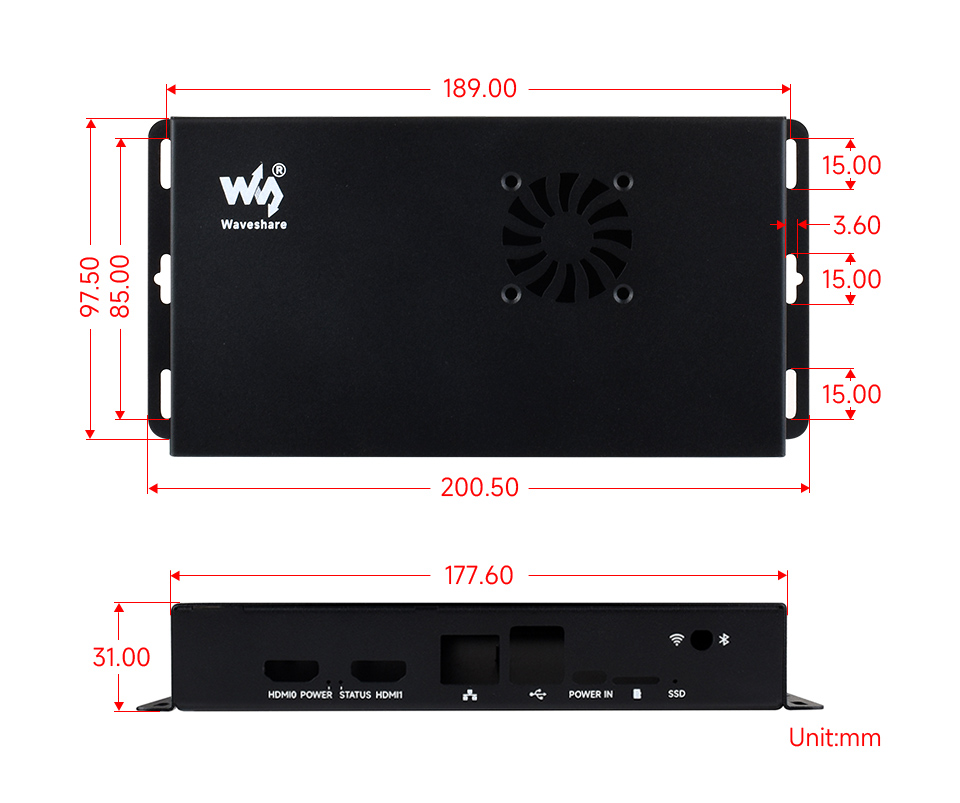
Outline dimensions
Metal Case for Compute Module 5 IO Board, outline dimensions

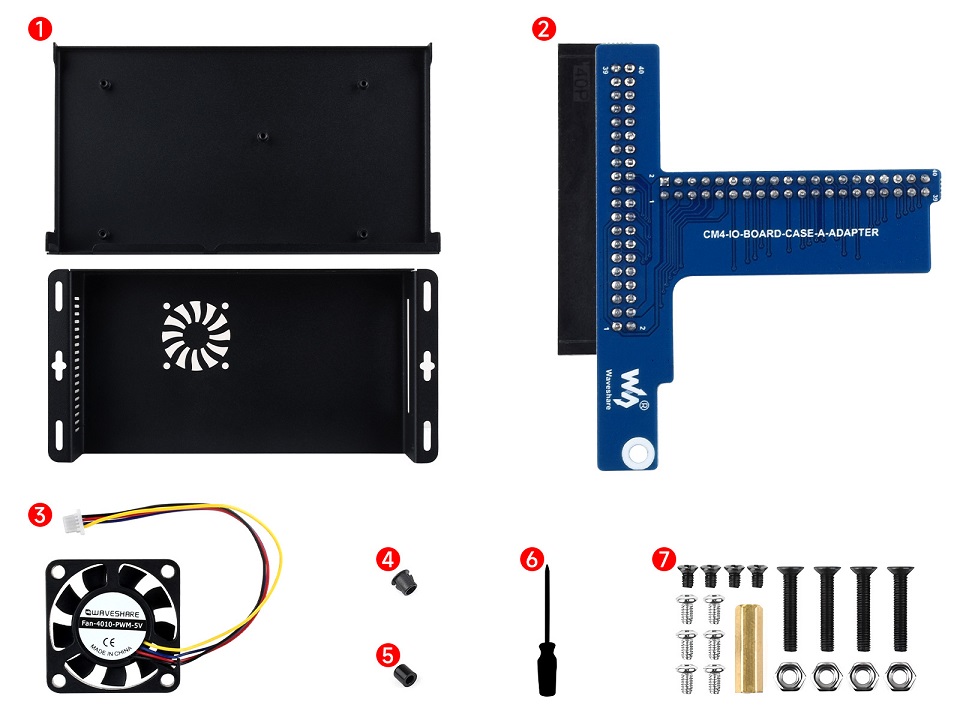
Lieferumfang

  1. Metal case (top and bottom) x1
  2. 40PIN GPIO adapter x1
  3. CM5-FAN-4010-5V x1
  4. Antenna connector rubber plug x1
  5. Button cap x1
  6. Screwdriver x1
  7. Screws pack x1
CM5-IO-BOARD-CASE-A

Payment methods

Payment methods
  • American Express
  • Apple Pay
  • Google Pay
  • Maestro
  • Mastercard
  • PayPal
  • Shop Pay
  • Union Pay
  • Visa

View Product Details